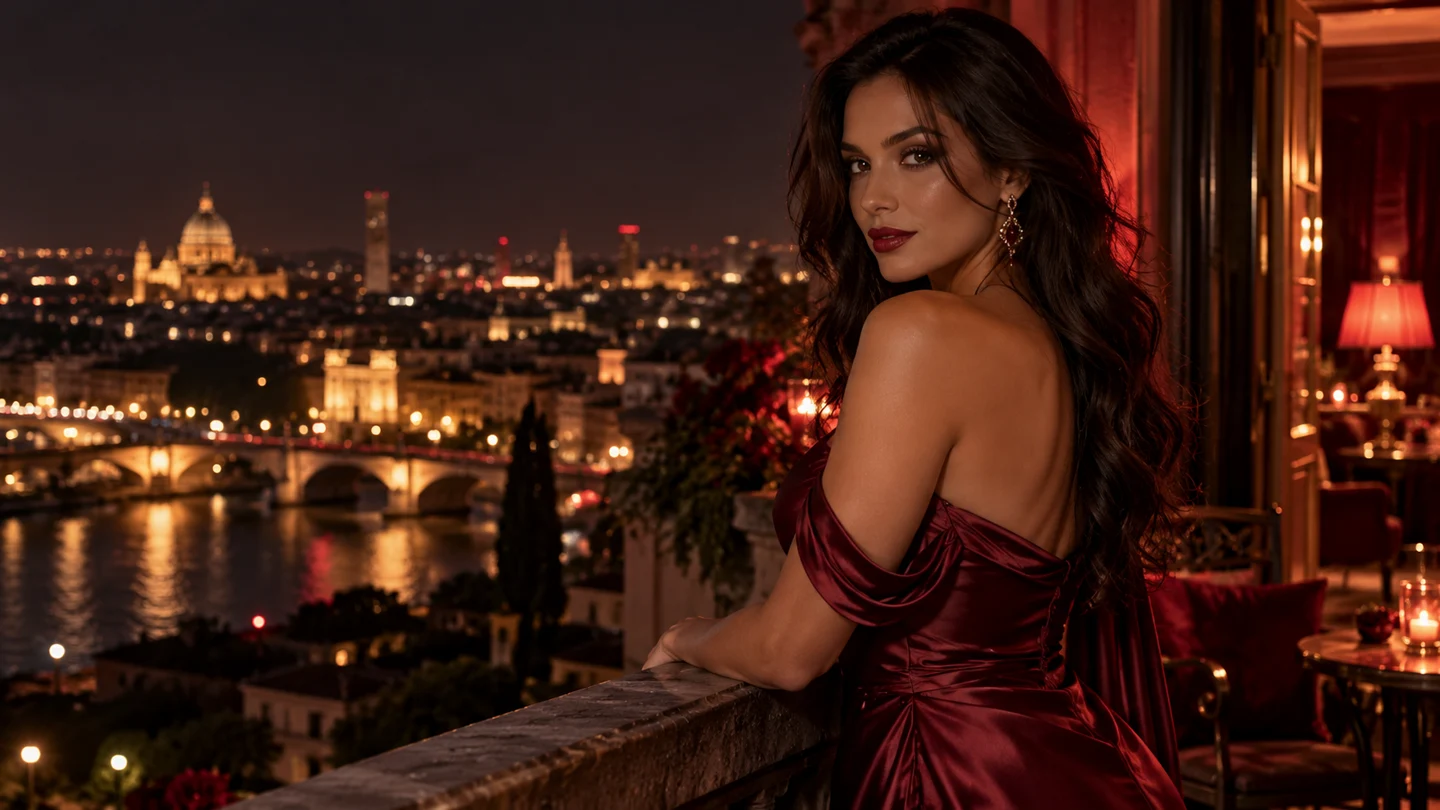
CHARACTER PORTRAIT
City after midnight
An adult woman in a burgundy satin gown on a midnight balcony. A slow camera push-in, warm red lights and a softly glowing city skyline.
AI VIDEO CREATION / CHARACTER-LED STORIES
Turn a prompt or a reference image into realistic character moments. Shape the look, direct the mood and build your next story, one short film at a time.
TEXT TO VIDEO + IMAGE TO VIDEO
 ORIGINAL VISUAL · THE MIDNIGHT BALCONY
5–10 sec
VIDEO LENGTH
Up to 1080p
OUTPUT RESOLUTION
90–140 sec
GENERATION TARGET
YOUR NEXT SCENE STARTS HERE
Explore three original visual directions, then open a starting prompt and make the scene your own. These prepared motion previews show the look of a short clip, with the exact sample format shown on every player.
CHARACTER PORTRAIT
An adult woman in a burgundy satin gown on a midnight balcony. A slow camera push-in, warm red lights and a softly glowing city skyline.
STORY CONTINUATION
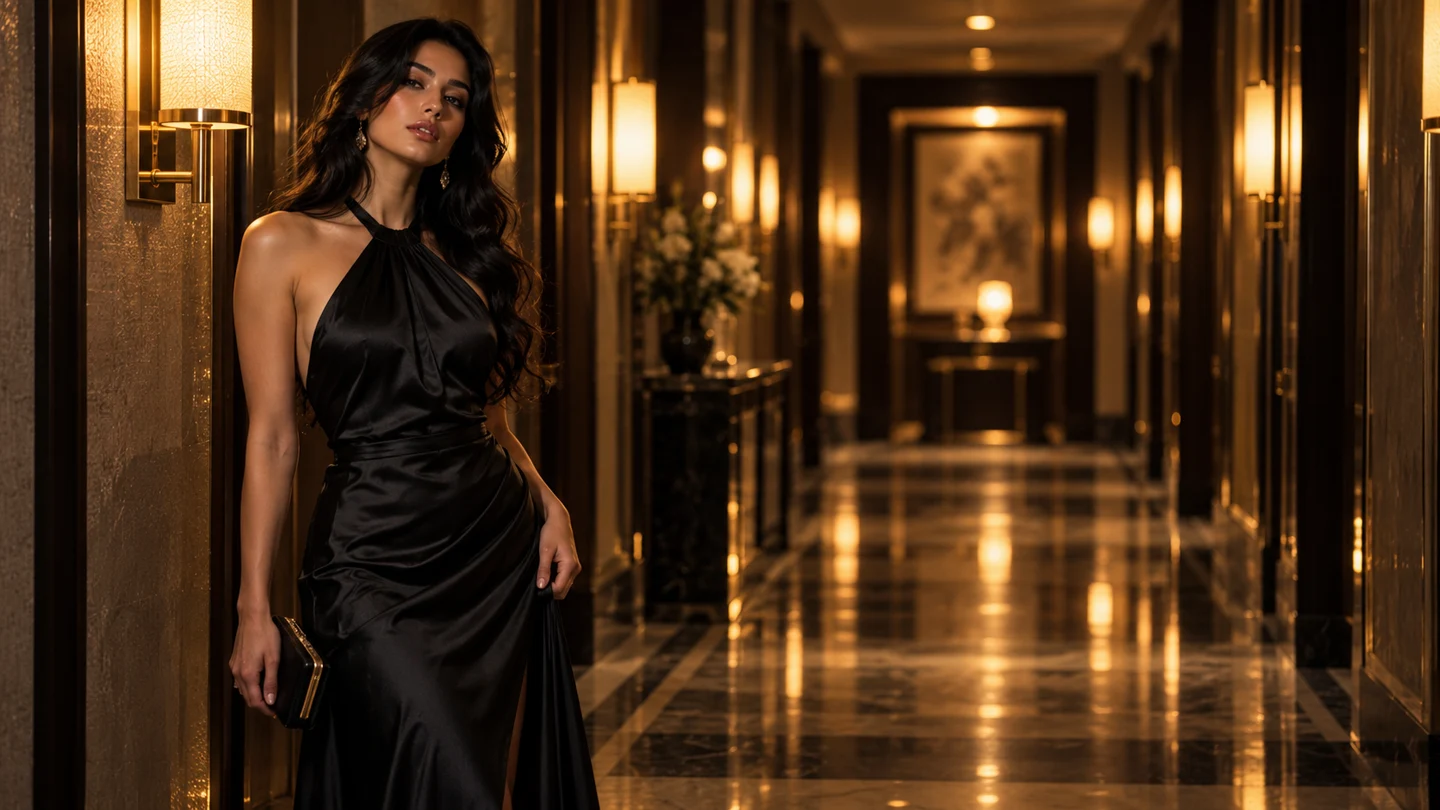
An adult woman in a black silk evening dress walks through a warm hotel corridor. A gentle tracking camera, golden reflections and a quiet glance.
CINEMATIC MOOD
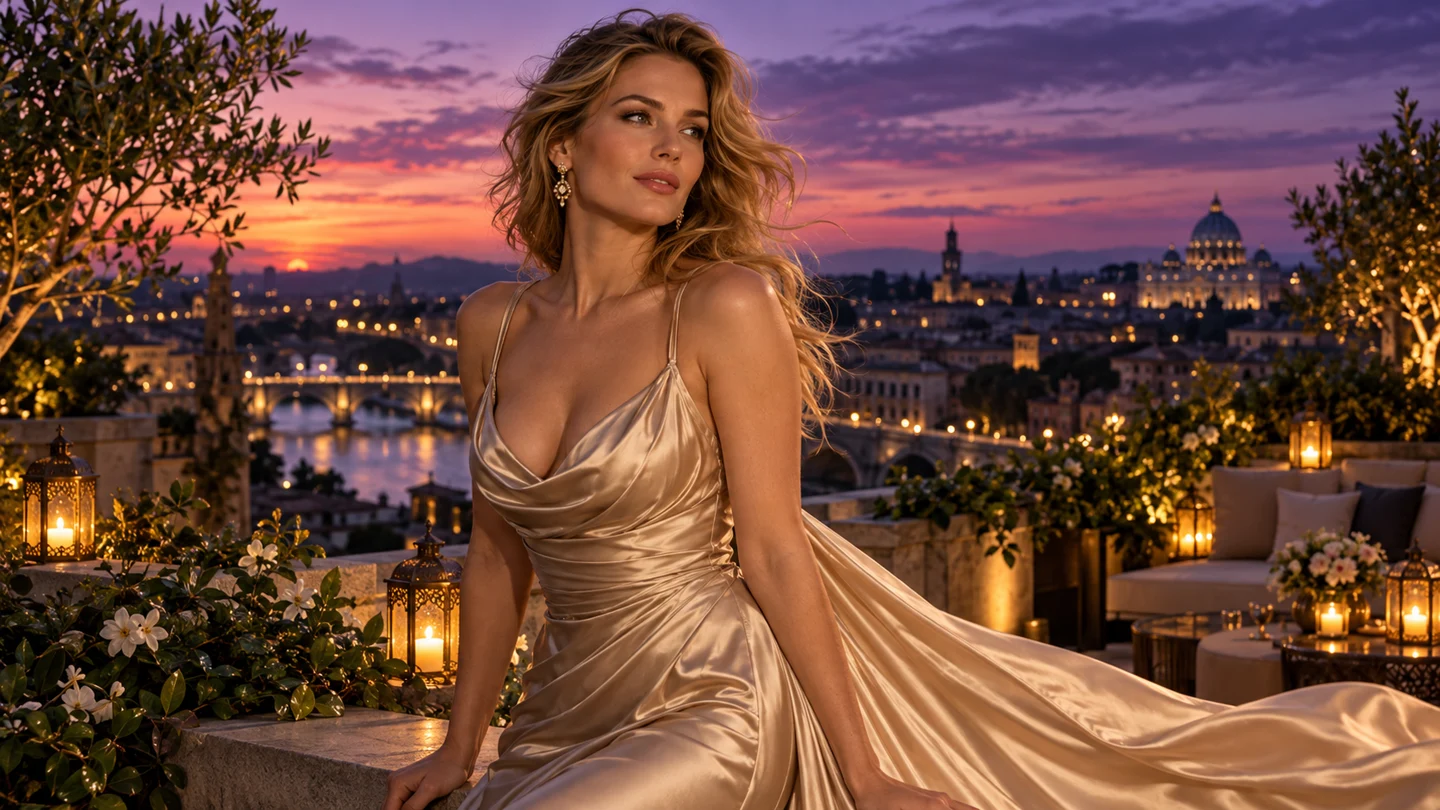
An adult character in a champagne gown on a rooftop garden at blue hour. A soft breeze, violet skyline and a slow, deliberate camera orbit.
FROM A LOOK TO A LIVING MOMENT
Start with a reference image when you already know the character, outfit or setting you want to explore. Add a short motion direction: a head turn, a step toward the camera, or fabric moving in a light breeze. The reference anchors the visual brief while your prompt describes what changes.
For series, keep a compact character note beside every scene. Repeat the important details, then change one piece of direction at a time. This gives your project a clearer creative thread without pretending that every generated take will be identical.
BUILT FOR MORE THAN ONE GREAT FRAME
Make realistic character videos and connected short films with lewdstars. Use each 5–10 second clip as a deliberate moment in a larger story: an introduction, a change of mood, or the next chapter.
Write down the details that matter: age, styling, outfit, expression and atmosphere. A concise character brief is easier to carry from one scene to the next than a long, conflicting prompt.
Move the same concept from a city balcony to a hotel corridor or a sunset rooftop. Keep your core description and introduce a new location, light or camera direction for the next take.
Plan a small arc before spending credits. An opening portrait, a tracking shot and a final glance can each have a distinct job. Export your clips and assemble the sequence in your editor.
TEXT TO VIDEO, WITHOUT THE BLANK CANVAS
“An adult woman in a burgundy satin gown stands on a city balcony at night. Slow push-in, warm practical light, confident eye contact, cinematic depth of field.”
Text-to-video is the quickest way to explore a fresh idea. Describe who is in the frame, where the scene happens and one clear action. Then add a camera direction and lighting cue. A focused prompt leaves less room for contradictory instructions and makes it easier to understand what to change on your next iteration.
A SMALL FORMAT. A CLEAR CREATIVE BRIEF.
The short format is designed around focused character moments. Choose a length and resolution that suit the shot, rather than spending the maximum on every first draft.
Use five seconds for a portrait or a single gesture. A longer clip gives a camera move or small action more room to develop. Keep the scene simple enough to read at the chosen length.
Create videos at up to 1080p. Start a draft at 720p when exploring direction, then choose the higher resolution for a more settled visual brief. The estimate updates before you start.
Plan around a 90–140 second generation target. Give each take time to complete, then review the character, camera movement and atmosphere before deciding on the next version. Actual time can vary with settings and queue load.
FROM FIRST IDEA TO YOUR NEXT TAKE
Write a prompt for a new scene or upload a reference image. For image-to-video, add the motion you want instead of repeating only what the image already shows.
Pick 5–10 seconds and 720p or 1080p, review the credit estimate, and choose one clear camera movement. You see the intended cost before starting the demonstration.
Watch the sample, save your scene brief and refine a single detail for the next version. Download the prepared preview to try your editing or storyboarding workflow.
WHAT WILL YOU MAKE?
Use lewdstars when a character and an atmosphere matter more than a complicated action sequence. The short format rewards a strong image, a small movement and a clear intention.
Create a compact opening portrait for a fictional persona. Establish their style, confidence and world with an expressive look and a deliberate camera move.
Explore lighting, fabric and visual attitude before committing to a longer production. A five-second scene can communicate the feeling of a campaign direction.
Develop a series of short moments around a recurring character idea. Save the brief and plan how each scene contributes to the next chapter.
Turn a written scene into a moving reference for your edit. Use the preview to discuss framing, pace and mood before developing a final production.
ONE MONTHLY PLAN. ROOM TO EXPLORE.
A single allowance keeps your planning straightforward. Credits are the unit used for video generation; clip length and resolution change the estimate. A five-second 720p clip is the baseline for planning.
At the 35-credit baseline, 500 monthly credits cover fourteen complete 5-second 720p clips. Longer lengths and higher resolution reduce that count.
500 credits per month
PLAN YOUR TAKES
Use the calculator to compare a quick draft with a longer, higher-resolution take. Start with the 35-credit baseline at five seconds and 720p. Longer clips use a proportionate estimate, with a 1.5× indicative multiplier for 1080p. Compare settings before choosing how to spend the monthly allowance.
14 complete clips from 500 credits · 10 credits remaining
BEFORE YOUR FIRST GENERATION
Open the generator, choose a starting point and explore the controls with the prepared sample. No credits are used in this frontend demonstration.
lewdstars brings realistic fictional characters and connected short films into an AI video workflow. Create a 5–10 second video, with either a written prompt or an image as the starting point. It is suited to character portraits, fashion moods and small story moments rather than long, complex scenes.
Text-to-video starts from your written description and is useful for exploring a new character or setting. Image-to-video starts from a reference image and adds a movement brief. For a recurring character idea, a reference can help make the visual intention clearer, although actual model consistency must be assessed when a service is connected.
The product specification covers 5–10 second clips at up to 1080p. This frontend offers five, eight and ten seconds, with 720p and 1080p selectors. Every playable or downloadable sample is explicitly a prepared five-second 720p clip; changing a setting demonstrates the intended generation controls, not a new render.
The baseline is 35 credits for five seconds at 720p. The Creator plan costs $19.90 per month and includes 500 credits. That allowance covers fourteen complete baseline clips, with ten credits remaining. Longer clips and 1080p are shown using a proportional frontend estimate, which a real service would need to confirm.
The target window is 90–140 seconds. Use that window to plan a short, focused iteration. The local demonstration finishes more quickly so you can test the interface. Actual service time would depend on the model, requested settings and queue conditions.
Plan a stable character description and reuse your reference image where appropriate. Save the outfit, setting and light choices that define the character, then change only the action or camera direction for each new scene. The interface can support this process, but exact visual continuity is not guaranteed by the current demonstration.
The upload is used for a local browser preview only. It is not sent to an AI service because no generation backend is connected. JPG, PNG and WebP files under ten megabytes are accepted by the demo. Refreshing the page clears the temporary image preview; only scene text settings are saved locally.
No. It opens a summary of the supplied monthly plan so you can inspect the price, allowance and format limits. This delivery does not include a connected checkout, account system or AI inference service. The Generate button runs a clearly labeled local demonstration, and the download is a prepared motion sample.